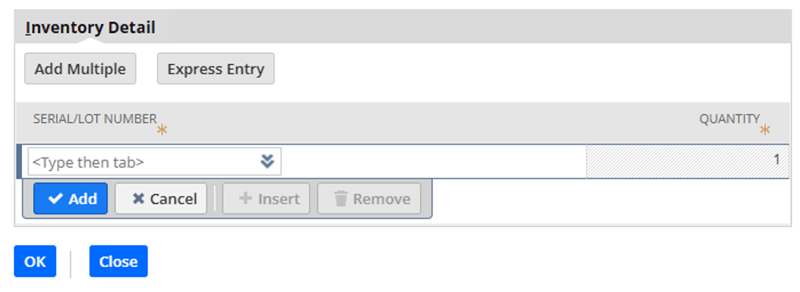
If you've ever used NetSuite's "Make Copy" function on Sales Orders with serialized or lot-numbered inventory, you've likely encountered this frustrating issue: the inventory detail (serial/lot numbers) gets copied along with everything else. This creates immediate problems since those specific inventory items are already allocated to the original order.
A NetSuite Administrator recently messaged me on LinkedIn with this exact problem. It's one of those issues where the standard scripting approaches just don't work. Her question made me realize this is probably a widespread issue worth addressing publicly.
The key is understanding your business process first. The right approach depends on your specific situation, and what's shown below may not be the best fit for everyone.
Here's a Simple Approach
One approach uses a native function hidden in the DOM that NetSuite uses internally: removeMachineSubrecord().
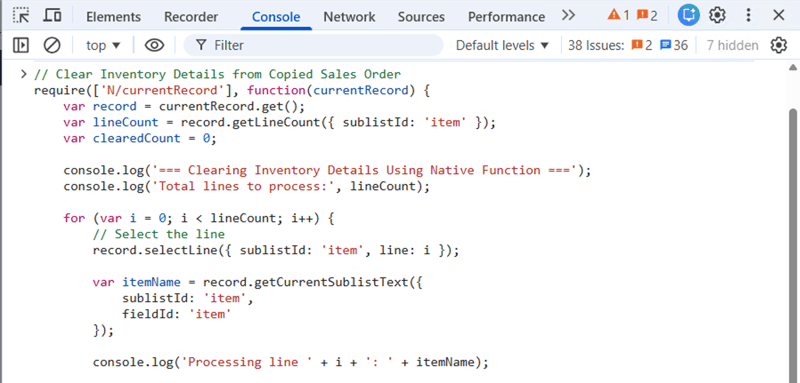
You can use this script to test it in the browser console before building out a client-side script:
// Clear Inventory Details from Copied Sales Order
require(['N/currentRecord'], function(currentRecord) {
    var record = currentRecord.get();
    var lineCount = record.getLineCount({ sublistId: 'item' });
    var clearedCount = 0;

    console.log('=== Clearing Inventory Details Using Native Function ===');
    console.log('Total lines to process:', lineCount);

    for (var i = 0; i < lineCount; i++) {
        // Select the line
        record.selectLine({ sublistId: 'item', line: i });

        var itemName = record.getCurrentSublistText({
            sublistId: 'item',
            fieldId: 'item'
        });

        console.log('Processing line ' + i + ': ' + itemName);

        try {
            // Call the native NetSuite function to remove inventory detail
            if (typeof removeMachineSubrecord === 'function') {
                removeMachineSubrecord();
                clearedCount++;
                console.log('Cleared inventory detail for line ' + i);
            } else {
                console.log('removeMachineSubrecord not available for line ' + i);
            }

            // Commit the line after clearing
            record.commitLine({ sublistId: 'item' });

        } catch (e) {
            console.log('Error on line ' + i + ':', e.message);
            record.cancelLine({ sublistId: 'item' });
        }
    }

    console.log('=== COMPLETE ===');
    console.log('Cleared inventory details from ' + clearedCount + ' line(s)');

    if (clearedCount > 0) {
        alert('Successfully cleared ' + clearedCount + ' line(s) with inventory details.\n\nYou can now save the Sales Order.');
    }
});
Another Option
You could also create your own copy functionality that loads in all items and copies only the data you want. This gives you full control over exactly what gets copied and what doesn't.
If you need help determining or implementing the optimal solution for your environment, reach out to us. We're happy to discuss your workflow and recommend the best approach.

Contra Systems
Your trusted NetSuite consulting partner, helping businesses optimize their ERP systems with expert solutions and dedicated support.